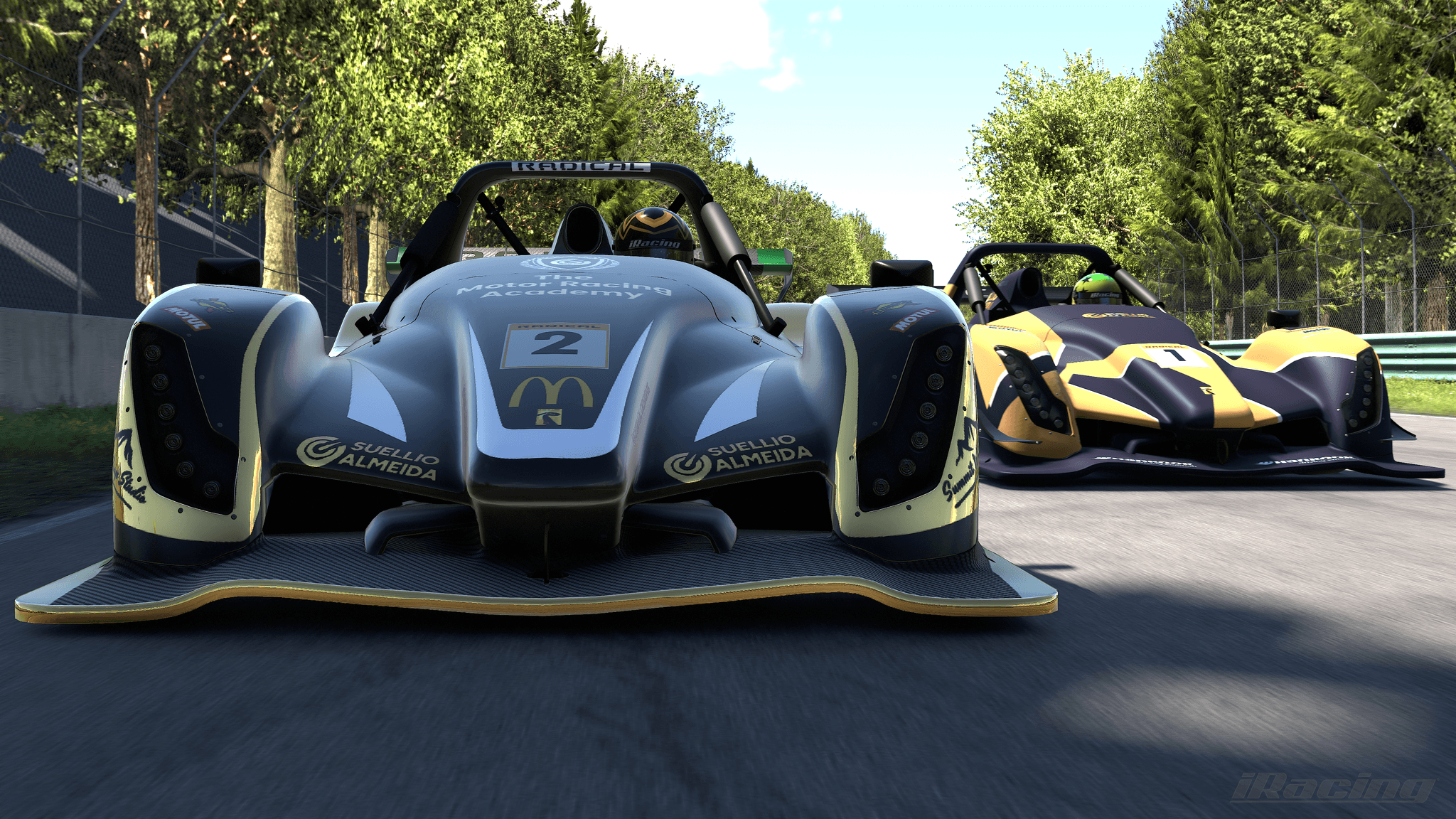
For the next sim drills we are going to use the radical SR8 at laguna-sika. Before you open the test drive though, we want to make sure that you have the right setup because I have prepared a setup for this car that is actually very difficult to drive, but it's going to help us work on all the techniques to the highest level of precision.
You can download the setup in the description and then follow these steps to install it:
Go to documents
Navigate to i-racing folder
Open the setups folder
Look for the radical SR8 folder
Place your setup file right here
The setup file is going to have exactly this name: i made a motorsports program over to your setup.
Now to load the setup, just make sure that you follow these steps before we start the exercises:
Go to garage
Navigate to my setups
The setup that you put in that folder is going to show up here
Open it and you can leave it for the rest of the exercises
We're going to be using the same setup for all of them. Have fun!